
Measure the whole home
The software guide calls for metering on the main incoming supply, not only the solar circuit. A qualified installer must choose and commission the correct setup.

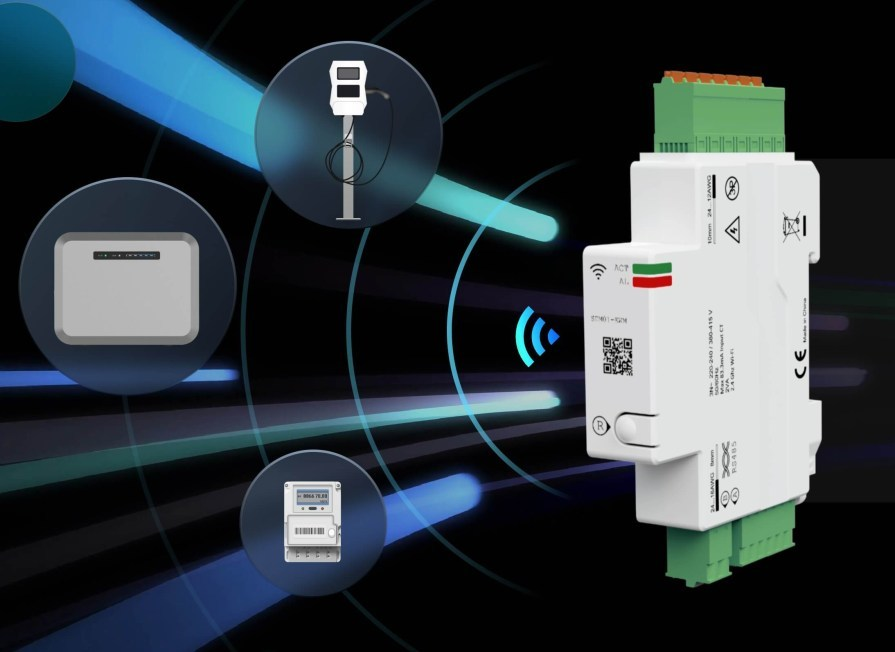
Reference hardware. Final AmpByte finish and package confirmed before sale.
MAKE YOUR HOME PART OF THE PLAN.
A compatible charger needs a view of the home’s main incoming supply to respond to household demand and solar surplus. The catalog specifies SDM01-12TS for app-integrated measurement, Solar Only and Dynamic Load Balancing.
Owners of supported connected chargers who want app-managed load balancing or surplus-solar charging.
MORE THAN A NUMBER ON THE BOX.
The software guide calls for metering on the main incoming supply, not only the solar circuit. A qualified installer must choose and commission the correct setup.
When the compatible charger, meter and feature are active, Solar Only can use the measured surplus to guide charging.
DLB uses the available site capacity to adjust EV current as other household loads change.
The catalog describes MiniApp 2.0 monitoring and control for this meter, unlike the standalone DLB-A1 monitor.
CHOOSE THE VERSION THAT FITS.
| Reference model | Power / role | Current | Phases | Connection / communication |
|---|---|---|---|---|
| SDM01-12TS | Not a charger | Confirm metering configuration | Confirm installation | Main incoming supply MiniApp / Tuya account integration |
THE COMPLETE PICTURE.
| Specification | Detail |
|---|---|
| Function | Real-time current measurement |
| App integration | MiniApp 2.0 / compatible Tuya setup |
| Energy functions | Solar Only + Dynamic Load Balancing |
| Measurement location | Home’s main incoming supply |
| Setup | Add to the Tuya account and bind to a compatible charger |
| Ordering check | Exact charger / meter / firmware compatibility |
| Electrical ratings and dimensions | Not specified in the supplied catalog; confirm manufacturer data before installation |
Data from the supplied September 2026 engineering catalog, page(s) 25; MiniApp manual 9–10. Actual charging power is limited by the vehicle, charger, cable, adapter and available supply. Ratings refer to the listed component and operating conditions. Final SKU documents govern installation and regional approvals.
CHOOSE THE RIGHT CONNECTED EXPERIENCE.
Compatible hardware and activated features are required. Metering and DLB do not replace correct wiring, protective devices or installation assessment.
Explore smart energy features ↗FINISH YOUR SETUP.
 1 configuration
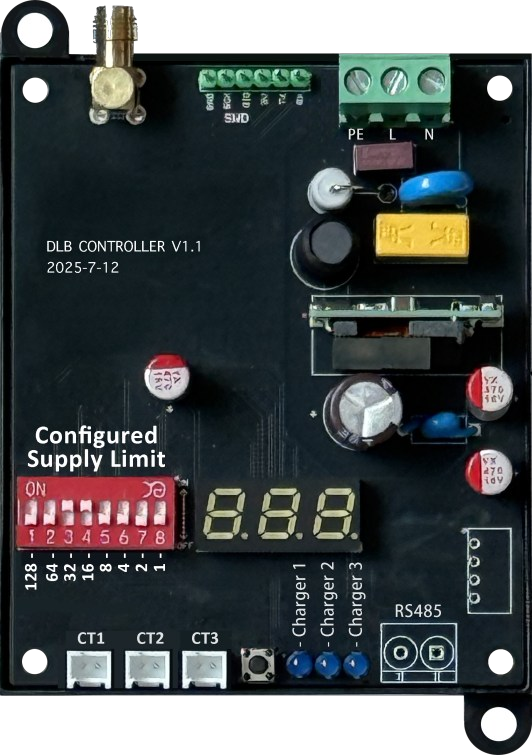
A standalone 433 MHz monitor for a compatible charger installation.
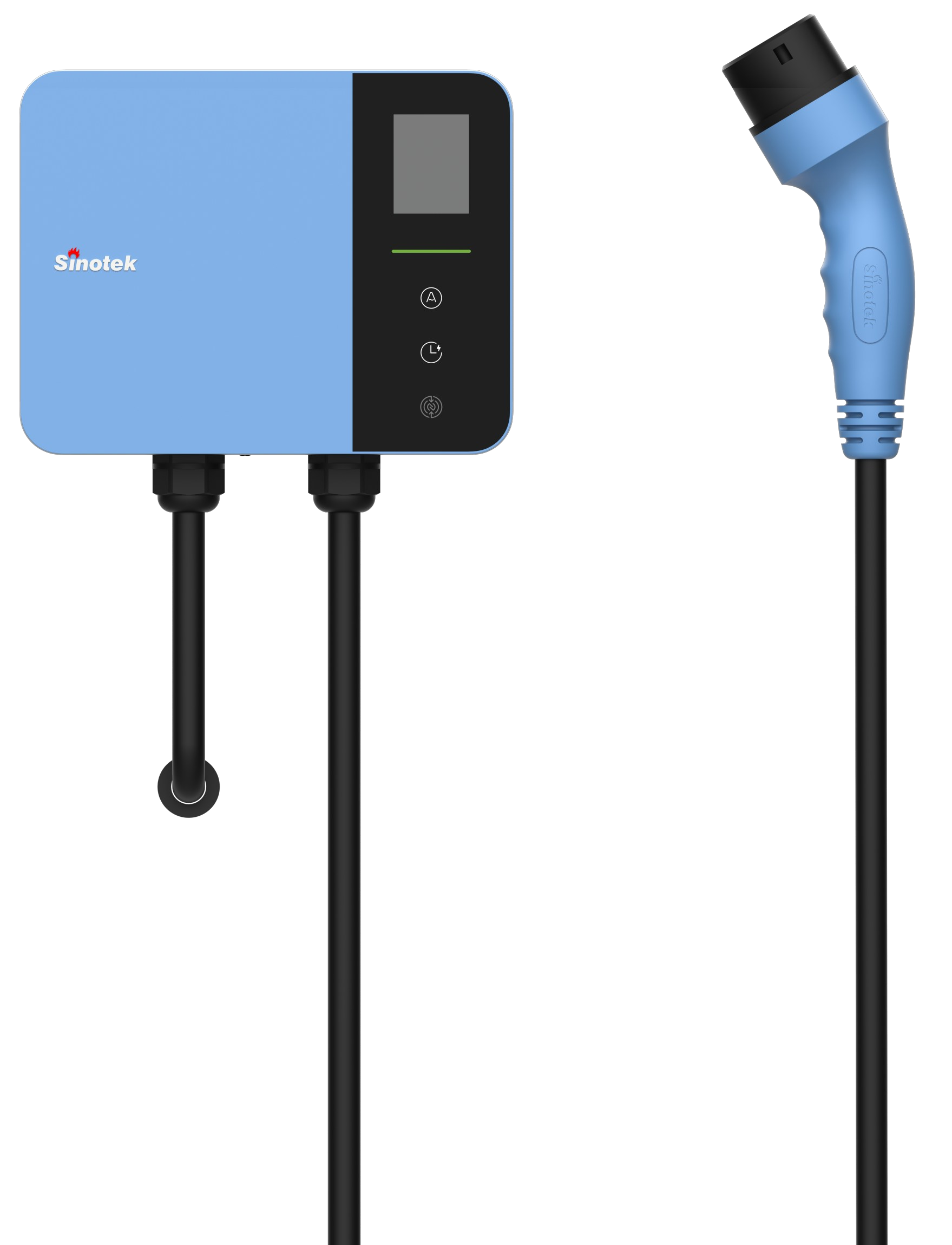 6 configurations
A wallbox with an integrated charging cable, ready for the daily routine.
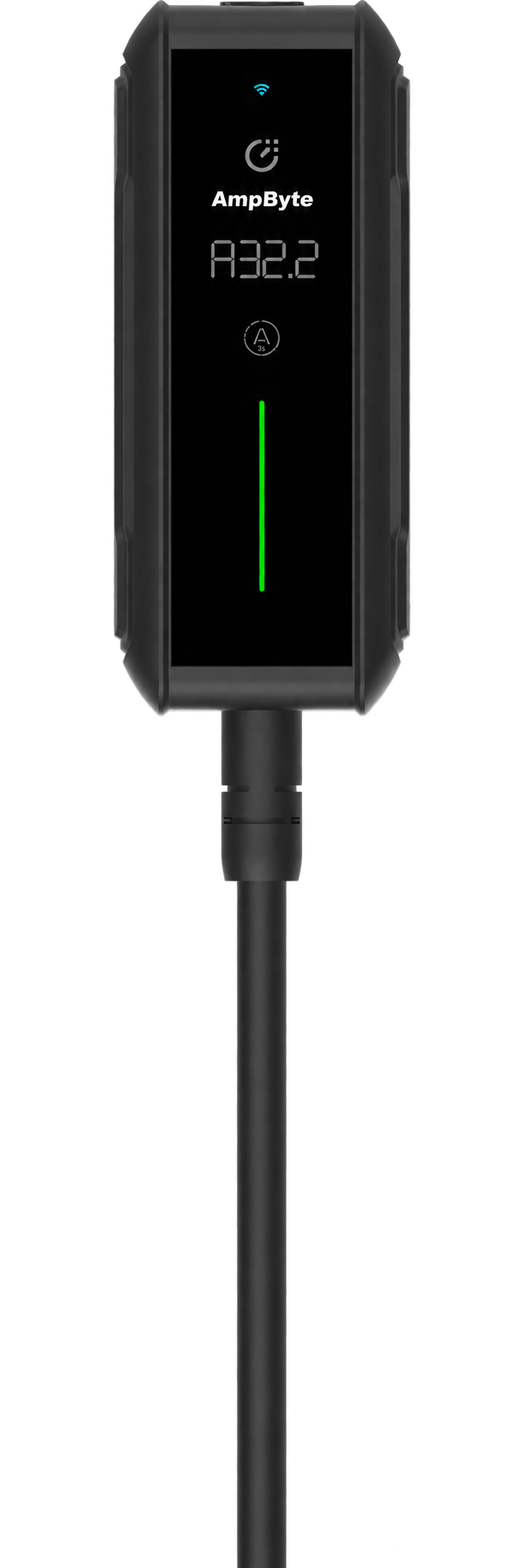 2 configurations
Modular adapters and automatic current matching, from driveway to weekend away.
YOUR NEXT CHAPTER IS ELECTRIC.